Blog
Guides for voice notes on your wrist.
Short, practical how-tos for Apple Watch and iPhone. Everything here works the way the app works today.
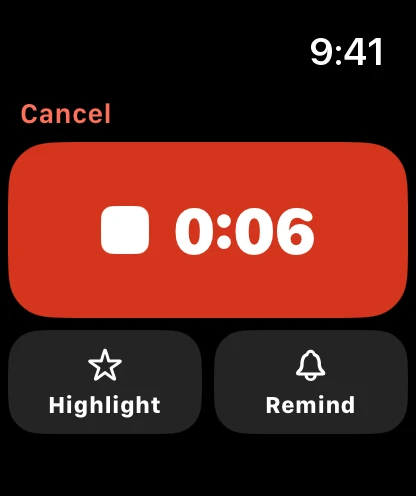
Start a Voice Note on Apple Watch, Then Read It on iPhone
Three ways to start from your wrist, what Highlight and Remind do while you talk, and where the text shows up on your iPhone.
Read the guide →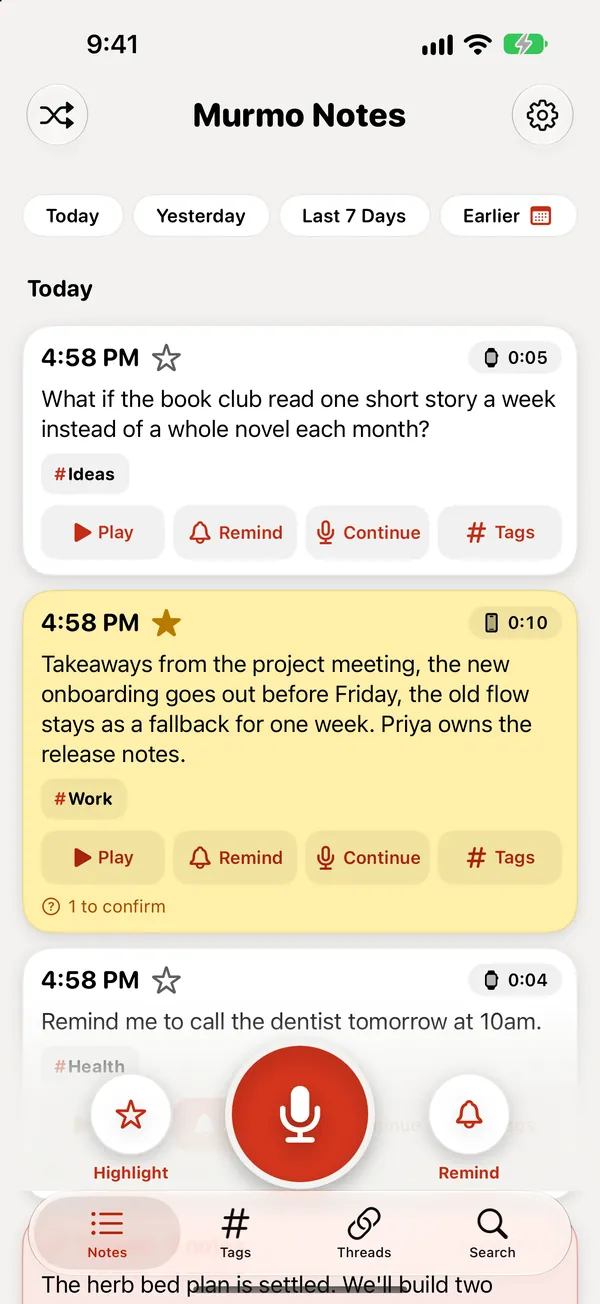
How Murmo Notes Transcribes Voice Notes on Your iPhone
Where the transcription happens, what stays on your iPhone, what the app keeps, and how to fix a transcript that came out wrong.
Read the guide →How to Get Your Apple Watch Voice Memos onto Your iPhone
How a recording made in Murmo Notes on your Apple Watch reaches your iPhone, what to do when it has not shown up, and why you never need to record it again.
Read the guide →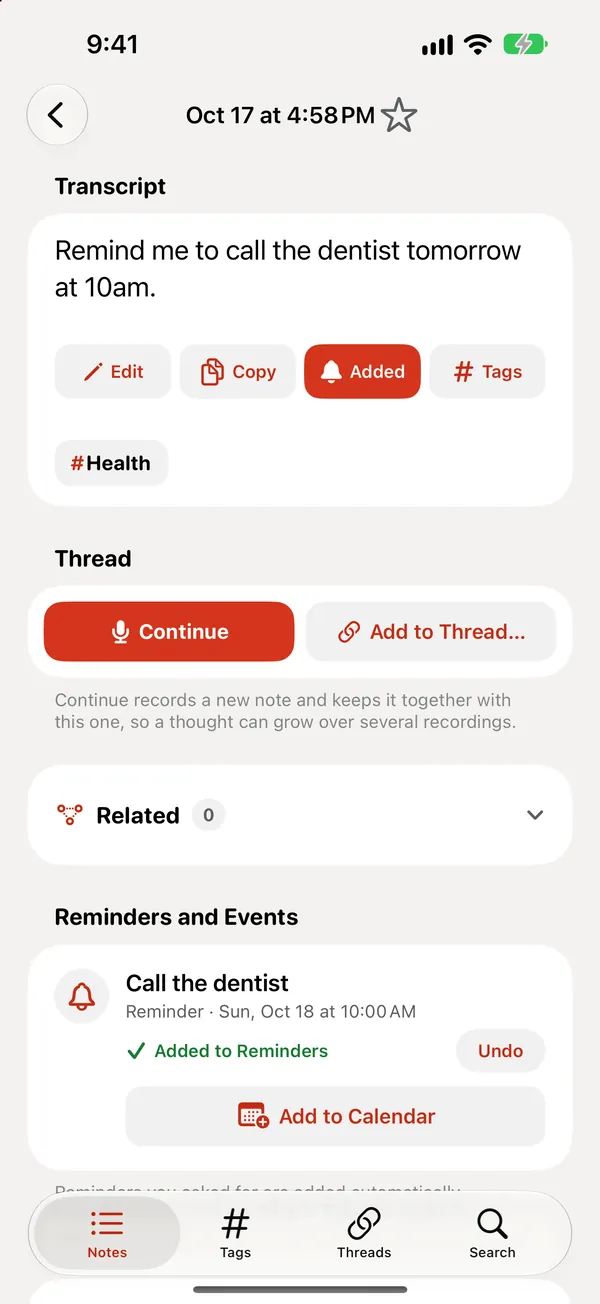
How to Keep a Voice Journal on iPhone and Apple Watch
Record on your wrist or phone, keep the original audio, find an entry again by searching a word, and lock your notes with Face ID.
Read the guide →